 Hasmada
Whether you're on Daf Yomi, learning b'iyun through a masechta, or slowly making your way across all of Shas, the same thing helps: a clear picture of where you're holding. A Shas tracker turns an overwhelming number into a bar that fills, one daf at a time.
Hasmada has Shas Bavli built in — all 2,711 blatt, structured masechta by masechta — so you can start tracking in a minute and never lose your place.
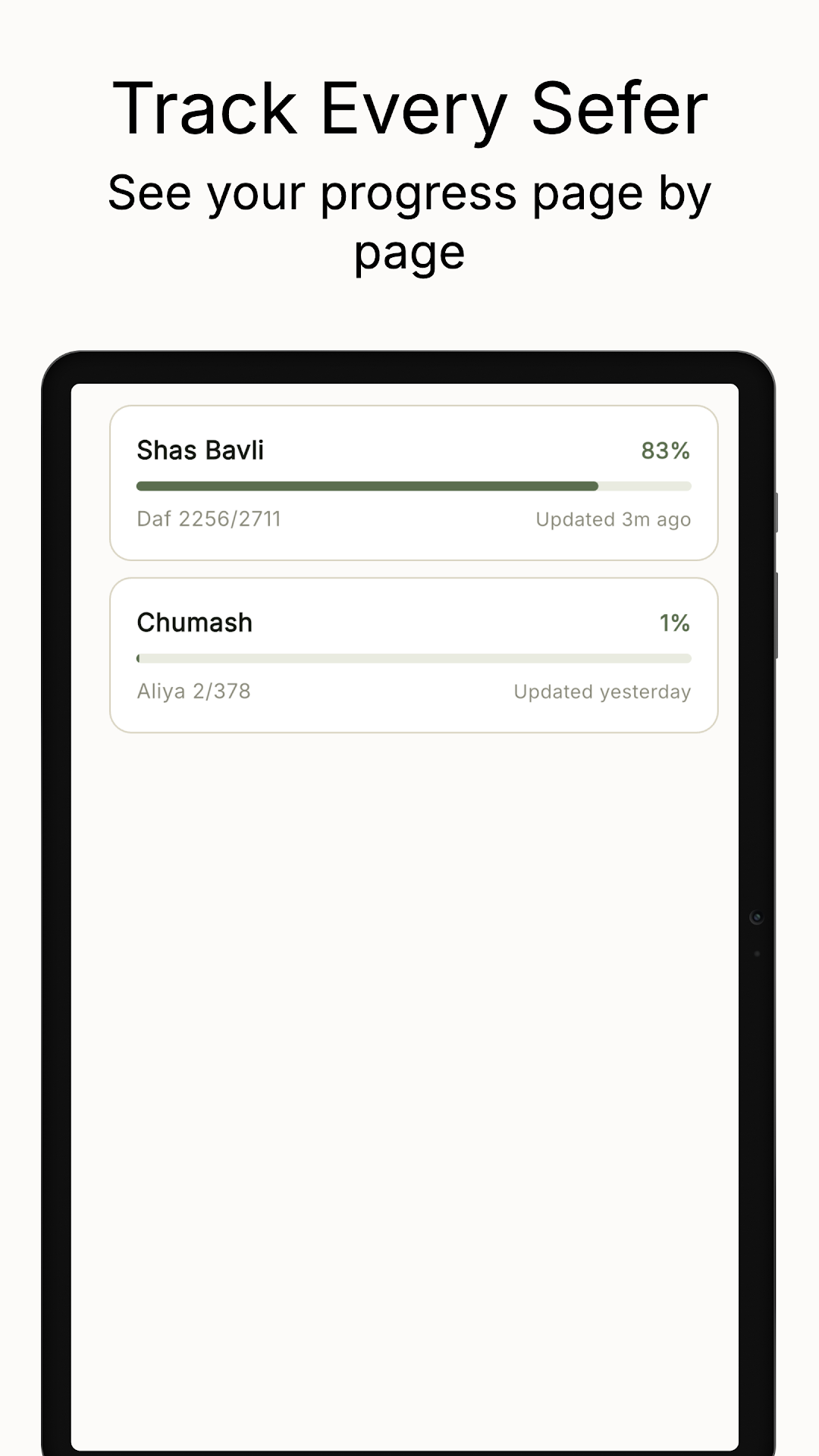
How to track Shas in Hasmada
- Add Shas Bavli Pick it from the catalog — the full structure is already there.
- Choose how you track Follow the Daf Yomi cycle for auto-sync, or track manually at your own pace. See the Daf Yomi guide →
- Log amud by amud or daf by daf Mark exactly where you got to; your position and percentage update instantly.
- Watch the bar fill Daf 2256 of 2711, 83% — the finish line stops being abstract.
- Make a siyum When you finish a masechta or all of Shas, mark the siyum and celebrate the milestone.
Learning one masechta at a time? That works too. Track just the masechta you're in, see your progress through it, and make a siyum at the end — then move to the next.
Can I track by amud, not just daf?
Yes — track amud by amud, daf by daf, or perek by perek, whichever fits how you're learning.
Does it work alongside other seforim?
Absolutely. Track Shas next to Chumash, Halacha, Mishnah and more — each with its own progress.
See the finish line from day one.
All of Shas, tracked daf by daf. Free to start.